

I need a service
Rani Jay



Everyday services, across Algeria
Furniture to assemble, repairs to plan, or a lesson to book? Post what you need on Rani Jay and choose from the providers who respond.
One app to find help. Another to offer it.
Explore some of the services in the app
Furniture assembly, small jobs and repairs.
In Rani Jay, choose a category and describe what you need.
For everyday needs
Create a guided request, follow applications, accept the provider that fits, and keep coordinating in the conversation.
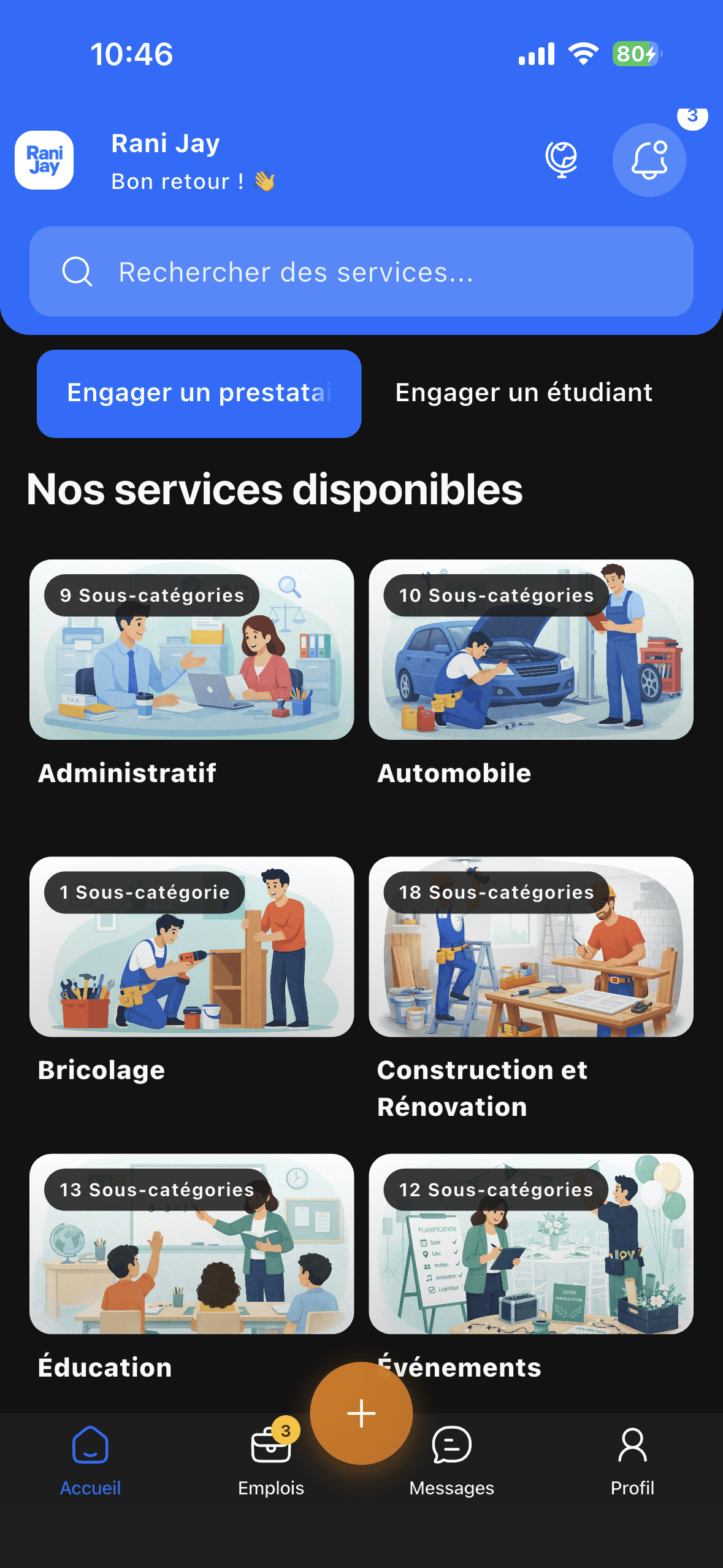
The apps organize the connection. The service itself takes place directly between the client and provider.
A client describes the service they need.
Interested providers respond to the request.
The client chooses a profile and chat opens.
After the job, each side can leave feedback.
Service payment is arranged directly and offline between the client and provider.
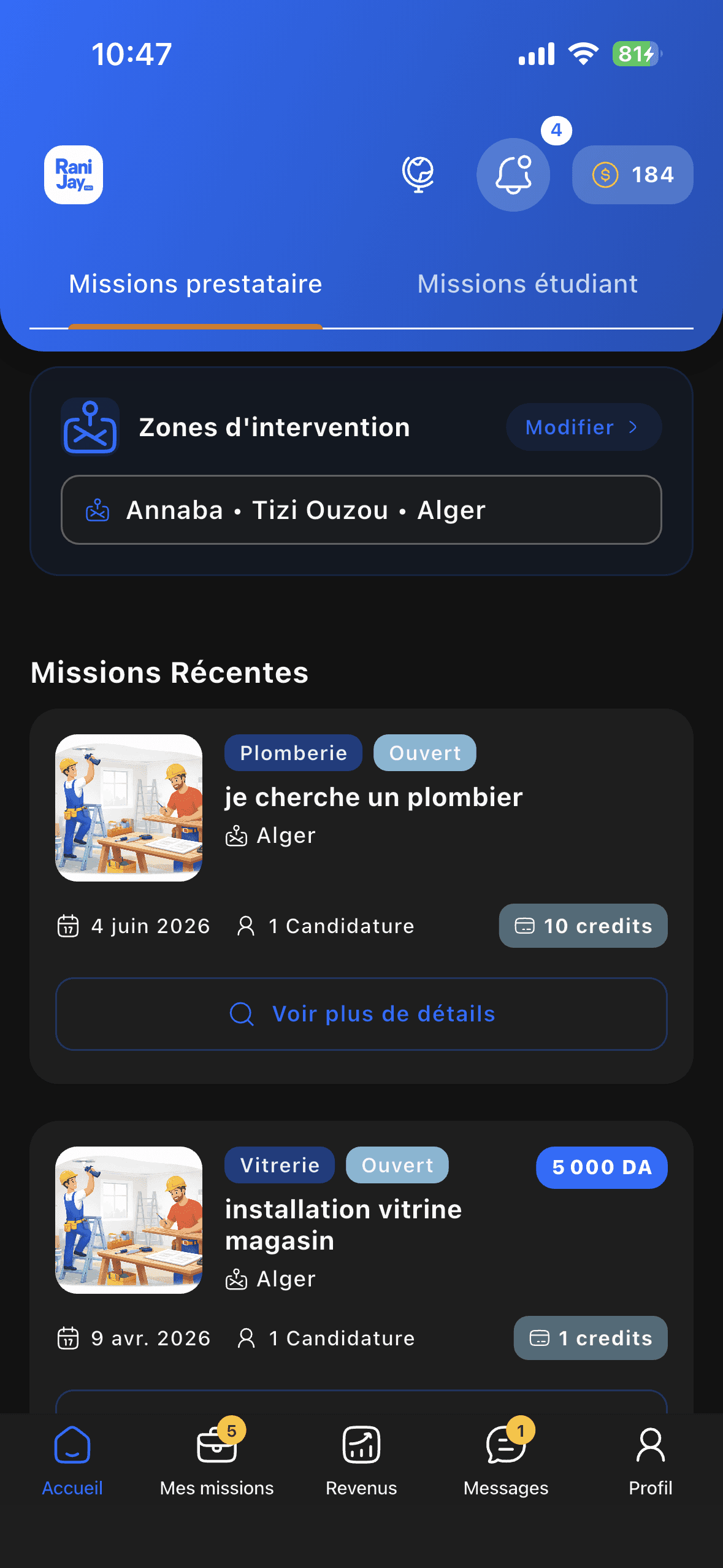
For your work
Students and providers can present their services, see relevant requests, apply, and talk with clients after acceptance.
Open the store for your phone, or scan a QR code from your mobile device.
I need a service
I offer services
Use Rani Jay to post a service request. Rani Jay Pro is for providers and students who want to offer their services and apply to requests.
The conversation opens after the client accepts an application. You can then coordinate the service details in the app.
Payment is arranged directly and offline between the client and provider. Rani Jay organizes the connection.
The Support page explains how to contact the team. Account management links are also available at the bottom of this page.